

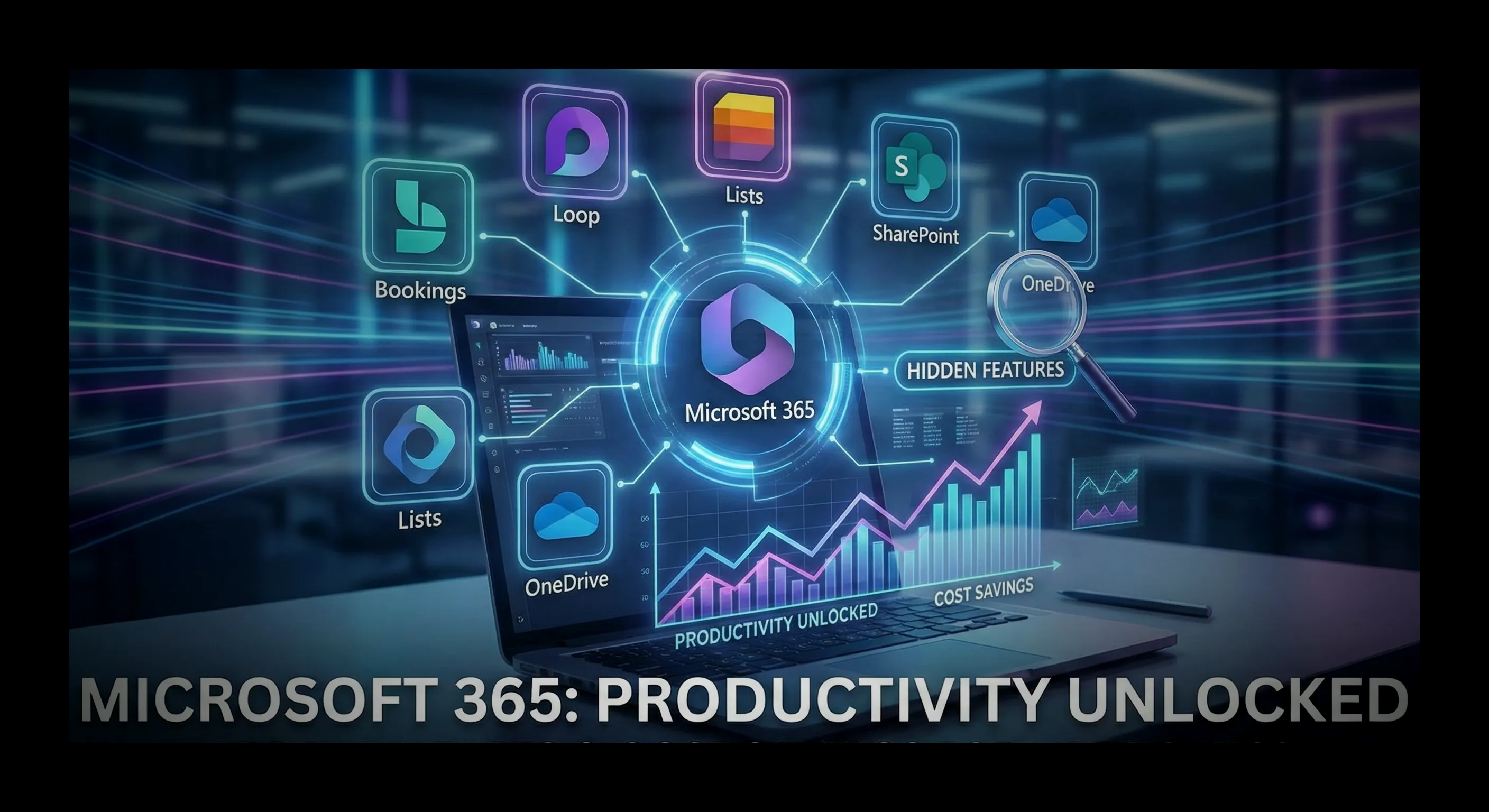


The “Subscription Bloat” Problem
We see it in almost every audit we perform for businesses in Hampton Roads.
You are likely paying $12.50/month for Microsoft 365 Business Standard, but you are only using it for Outlook, Word, and Excel. Meanwhile, your credit card statement shows monthly charges for scheduling tools, file hosting, and project trackers.
Stop burning cash.
Your Microsoft subscription is not just an “Email Server.” It is a complete business operating system that likely includes replacements for 3-4 other SaaS products you are currently paying for separately.
The “Double Payment” Trap
Here is the math on what the average small business wastes per user:
| Function | 3rd Party Tool (Cost) | Included Microsoft Replacement | Annual Savings (Per 10 Users) |
|---|---|---|---|
| Scheduling | Calendly ($10/mo) | Microsoft Bookings | $1,200 |
| Project Mgmt | Monday.com ($25/mo) | Microsoft Lists / Planner | $3,000 |
| File Storage | Dropbox ($15/mo) | OneDrive / SharePoint | $1,800 |
| Chat | Slack ($8/mo) | Microsoft Teams | $960 |
| TOTAL | $58/mo per user | $0 (Included) | $6,960 / Year |
By consolidating, you don’t just save money—you simplify security. One login, one password, one bill.
1. Microsoft Bookings (The Calendly Killer)
Stop playing “email tag” to schedule meetings. “Are you free Tuesday at 2? No? How about Thursday?” is a waste of billable hours.
Microsoft Bookings allows clients to view your real-time availability and pick a slot that works for them.
- The Benefit: It syncs perfectly with Outlook, handles time zones automatically, and sends text (SMS) reminders to reduce no-shows.
- The Upgrade: Unlike the free version of Calendly, Bookings allows you to manage schedules for your entire staff from one dashboard.
2. SharePoint vs. OneDrive (The “Me” vs. “We” Rule)
The #1 confusion we see is where to save files. Saving everything to your Desktop is a disaster waiting to happen (if your laptop breaks, that data is gone).
Here is the definitive rule for the Modern Workplace:
OneDrive is for “ME” Drafts, private notes, and files only you are working on. Think of it as your “My Documents” folder, but accessible from any device.
SharePoint is for “WE” Department files, client contracts, and SOPs. If you win the lottery and leave tomorrow, the company still has access to everything in SharePoint.
3. Microsoft Loop (The Email Revolution)
Loop is the most futuristic tool you aren’t using. It creates “live components”—like a checklist, a table, or a paragraph—that exist in multiple places simultaneously.
- The Magic: You can paste a Loop Component into an Outlook Email AND a Teams Chat.
- The Sync: If you check a box in the email, it instantly updates in the chat.
- The Result: No more “v2_final_FINAL.docx” email chains. Everyone sees the single source of truth in real-time.
4. Microsoft Lists (The Excel Upgrader)
Are you running your entire business on a “messy” Excel spreadsheet that three people try to edit at once? That is not a database; that is a liability.
- The Solution: Microsoft Lists turns that spreadsheet into a smart, mobile-friendly app.
- Features: Create status dropdowns, assign rows to specific employees with deadlines, and get notified via Teams when a status changes from “Pending” to “Done.” It is a lightweight project tracker built right into your ecosystem.
You are sitting on a goldmine.
Most Virginia Beach businesses use less than 20% of the software power they pay for. Stop treating Microsoft 365 like a typewriter and start using it like the enterprise platform it is.